 SIGVA
SIGVA


 PAWNTIER 01
 ROOKTIER 02
 TROIKATIER 03
 CAROMTIER 04
 SOVEREIGNTIER 05
WeakestStrongest
01
VS BOT
Play the Bots.
Five Bots, weakest to strongest. Take them on 1v1, or add Bots to a private room: you and a friend against the strongest Bot.
TRAILER
Play the Bots, rewind a match, try the same moment again.
About 1 min 30 s. It starts when you press play, and it has sound.
DISCORD
News and support for SIGVA reach you fastest on Discord. We recommend joining before you play.
Take on the bots.
VS BOT
Practice against AI opponents of different strengths.
Off the wall, into the air.
FLIGHT
Jump, boost and steer in flight. The server works out every touch 120 times a second.
Try the moment again.
RESEARCH
Rewind a replay to the moment, take the car and play it another way.
Research is used in private matches (free: 2 a day). Analysis tools are in development.
FEATURES
PAWNTIER 01ROOKTIER 02TROIKATIER 03CAROMTIER 04SOVEREIGNTIER 05WeakestStrongest
01
VS BOT
Five Bots, weakest to strongest. Take them on 1v1, or add Bots to a private room: you and a friend against the strongest Bot.
02
RESEARCH
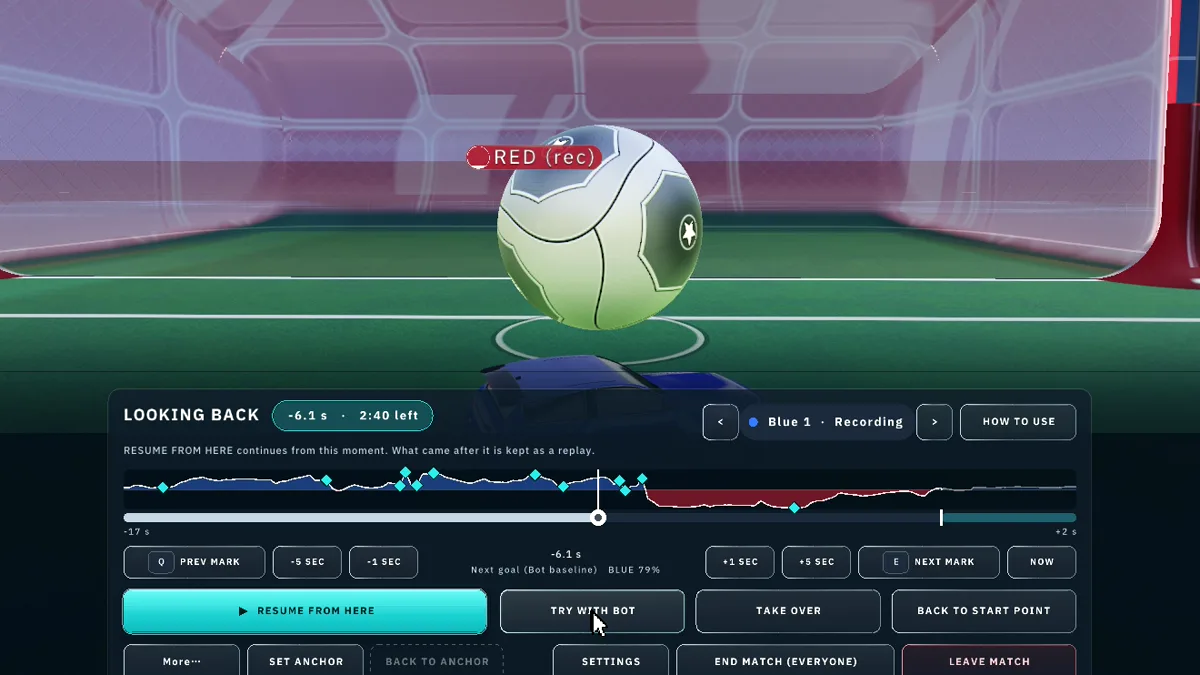
Pause the match, drag the timeline back and press TRY WITH BOT: the Bot takes over from that exact moment. Or take the car and play it yourself.
03
NEXT GOAL
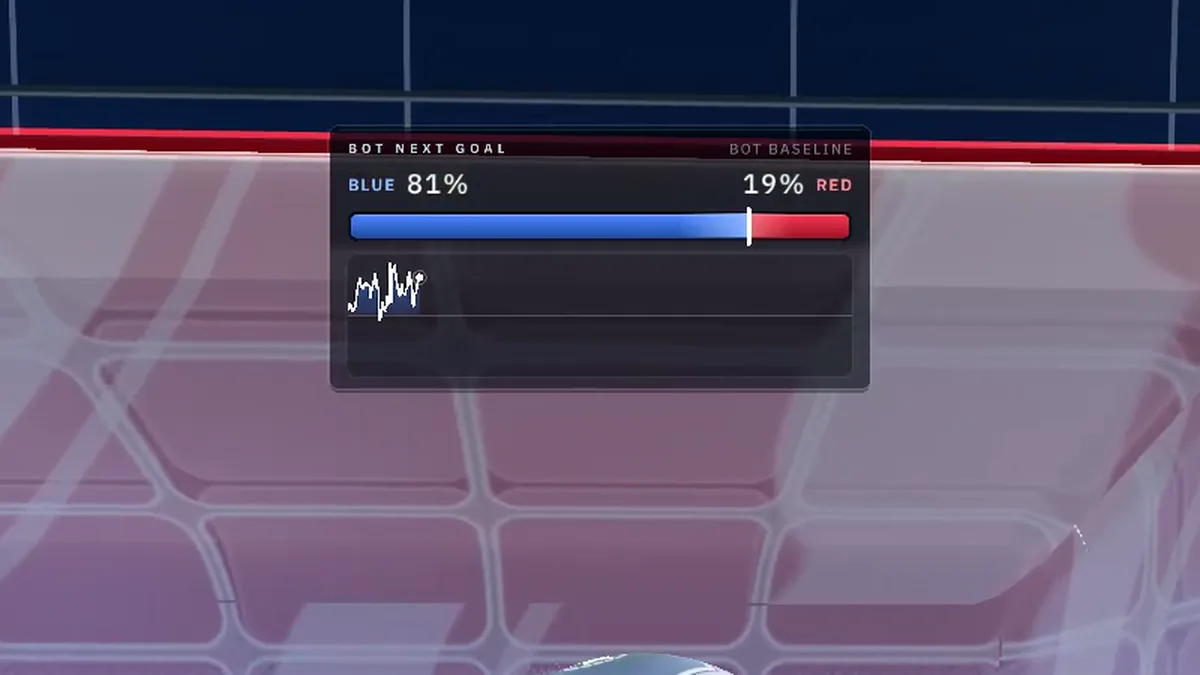
The next-goal graph shows, moment by moment, which side is more likely to score next. See exactly where a chance was won or lost.
04
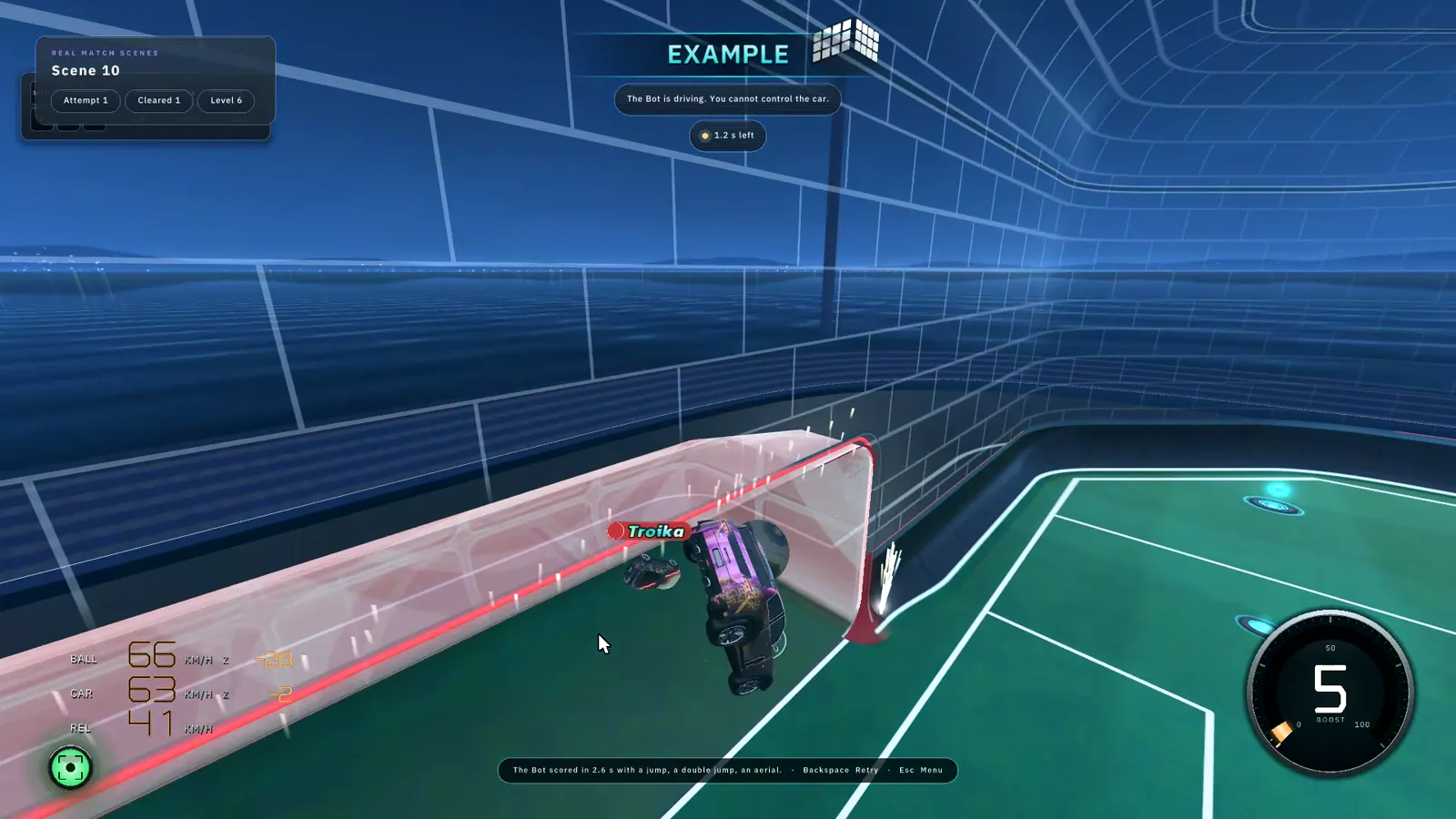
MATCH SCENES
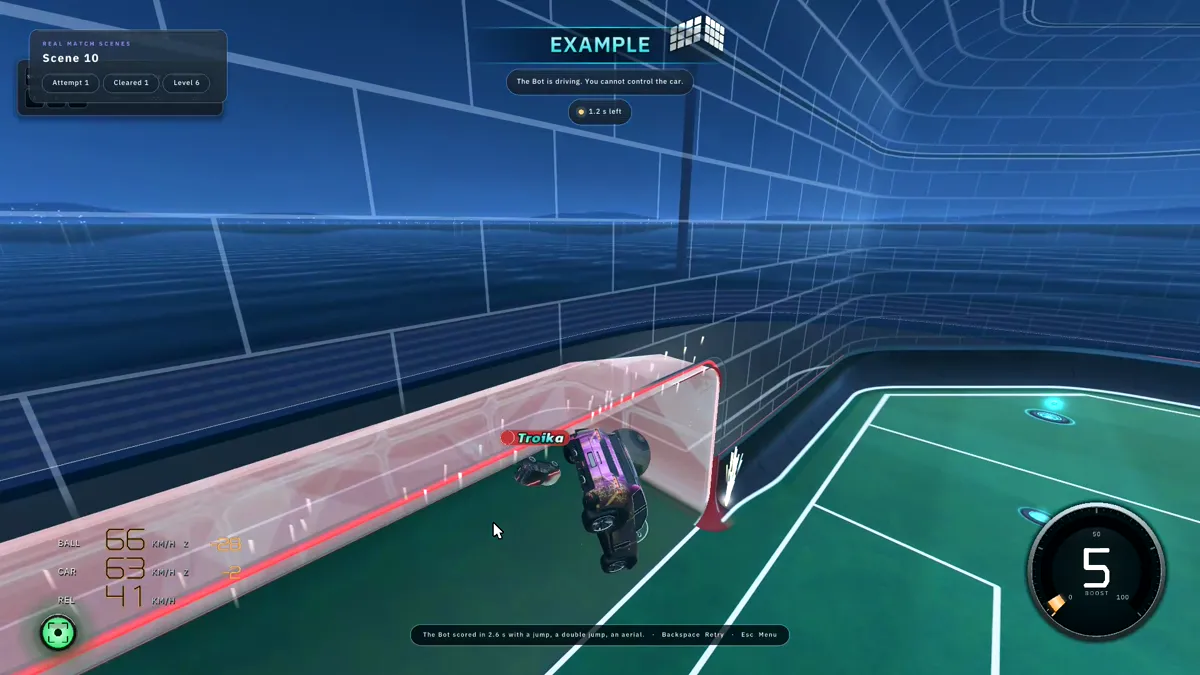
Load scenes from real matches and play them. Missed? WATCH EXAMPLE shows the Bot’s answer, then TRY IT MYSELF.
05
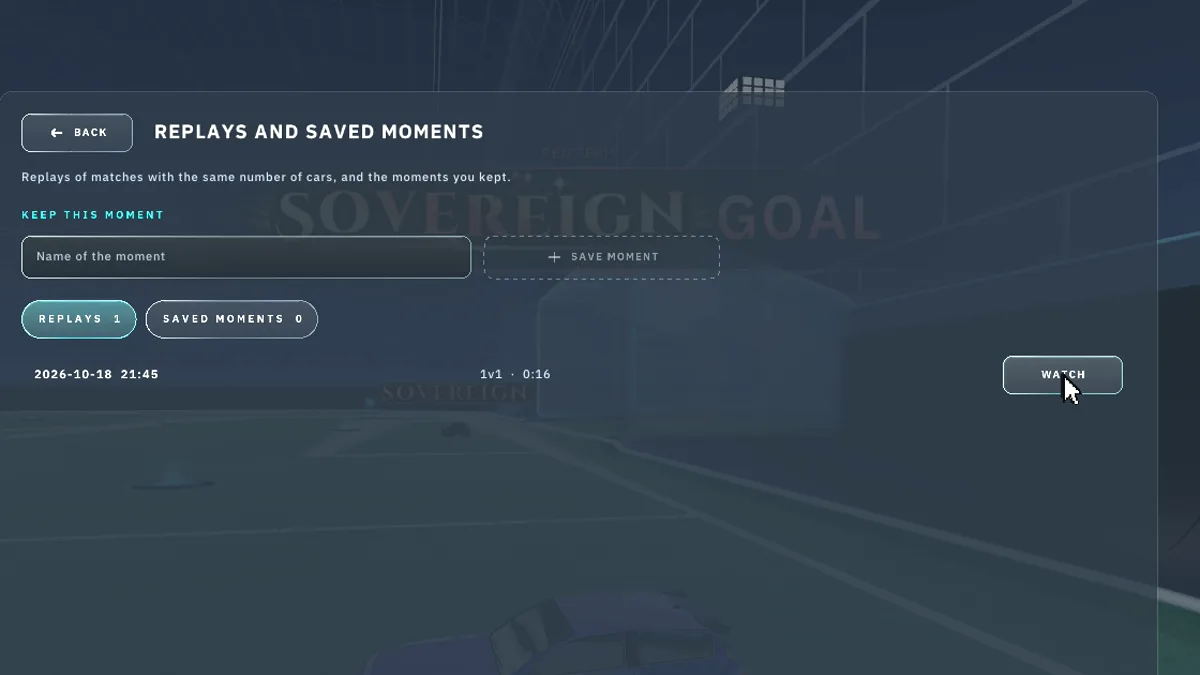
REPLAYS
Pick any moment of a saved replay and take control (PLAY FROM HERE), then compare your play with the Bots (COMPARE WITH BOTS).
REPLAY
Replay analysis.
Revisit a replay moment and try another approach. Match analysis tools are in development.
GALLERY
Bot plays, the Research screen and Match Scenes, cut from SIGVA as they are.
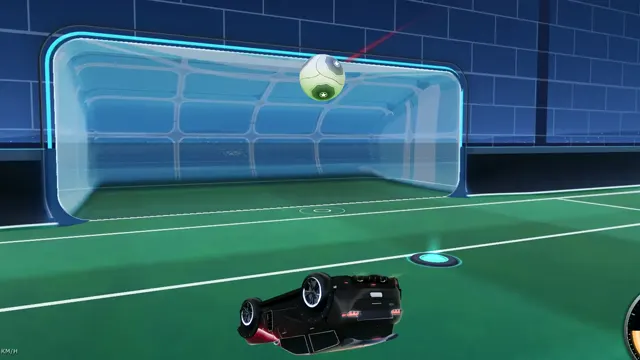 Bot play: the shot on goal
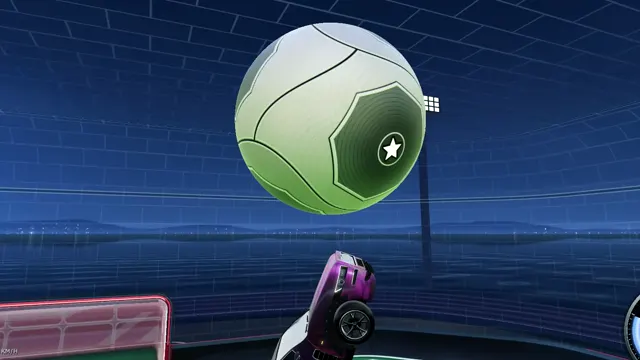 Bot play: touch after touch in the air
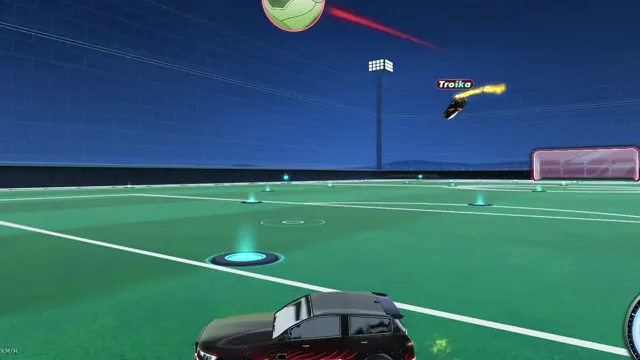 The same play from the opponent’s view
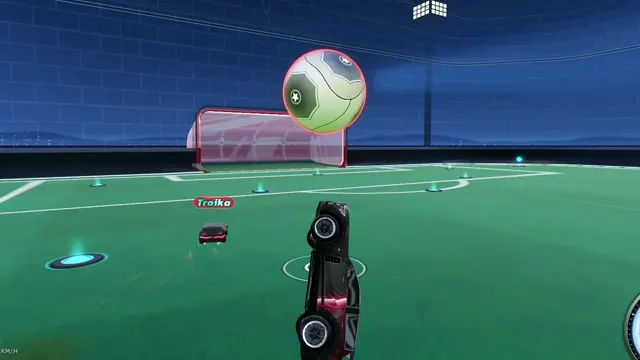 Bot play: the flick
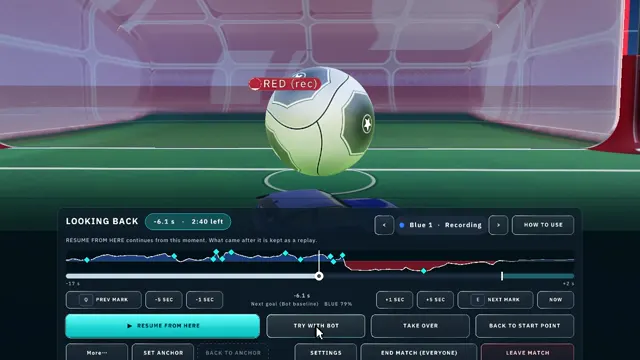 Research: TRY WITH BOT
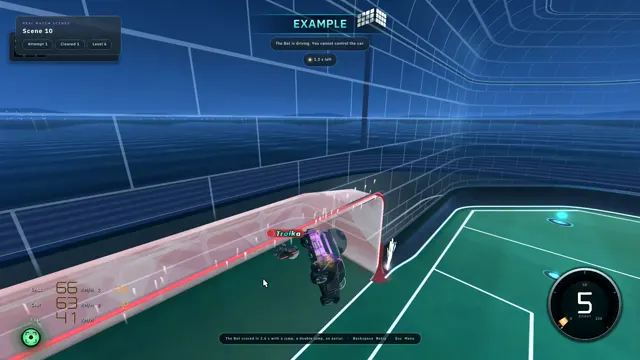 Match Scenes: the Bot’s example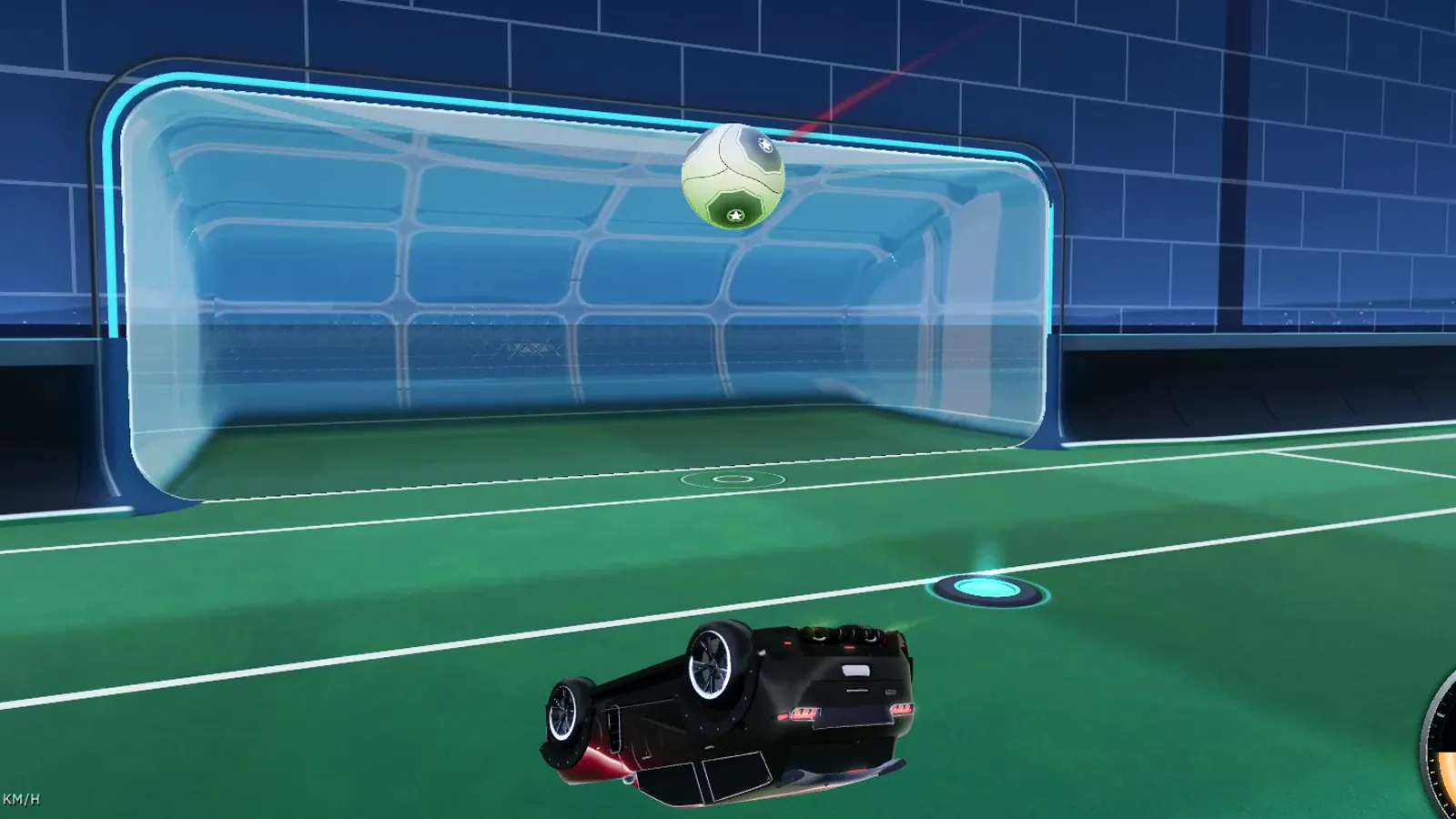
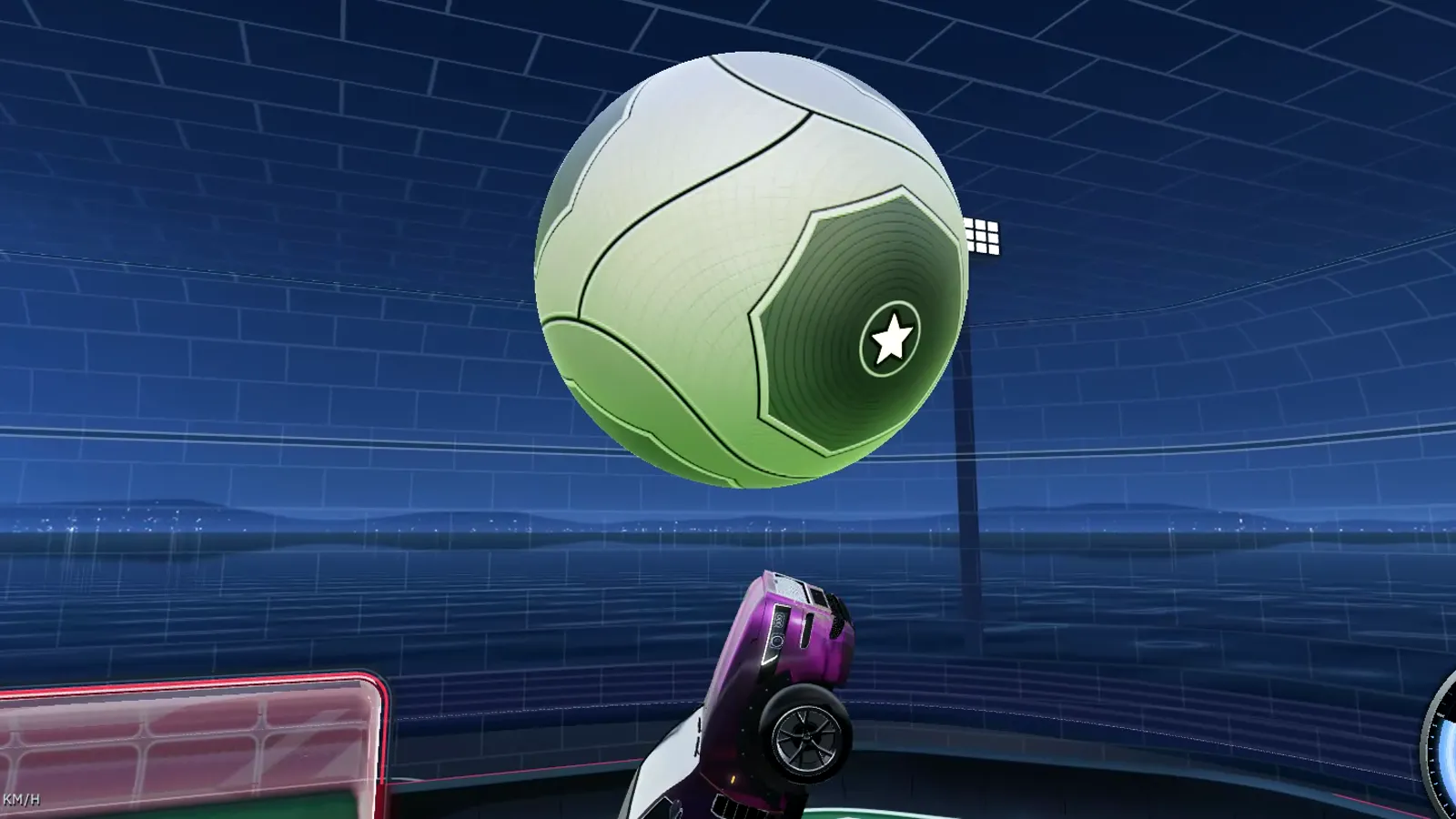
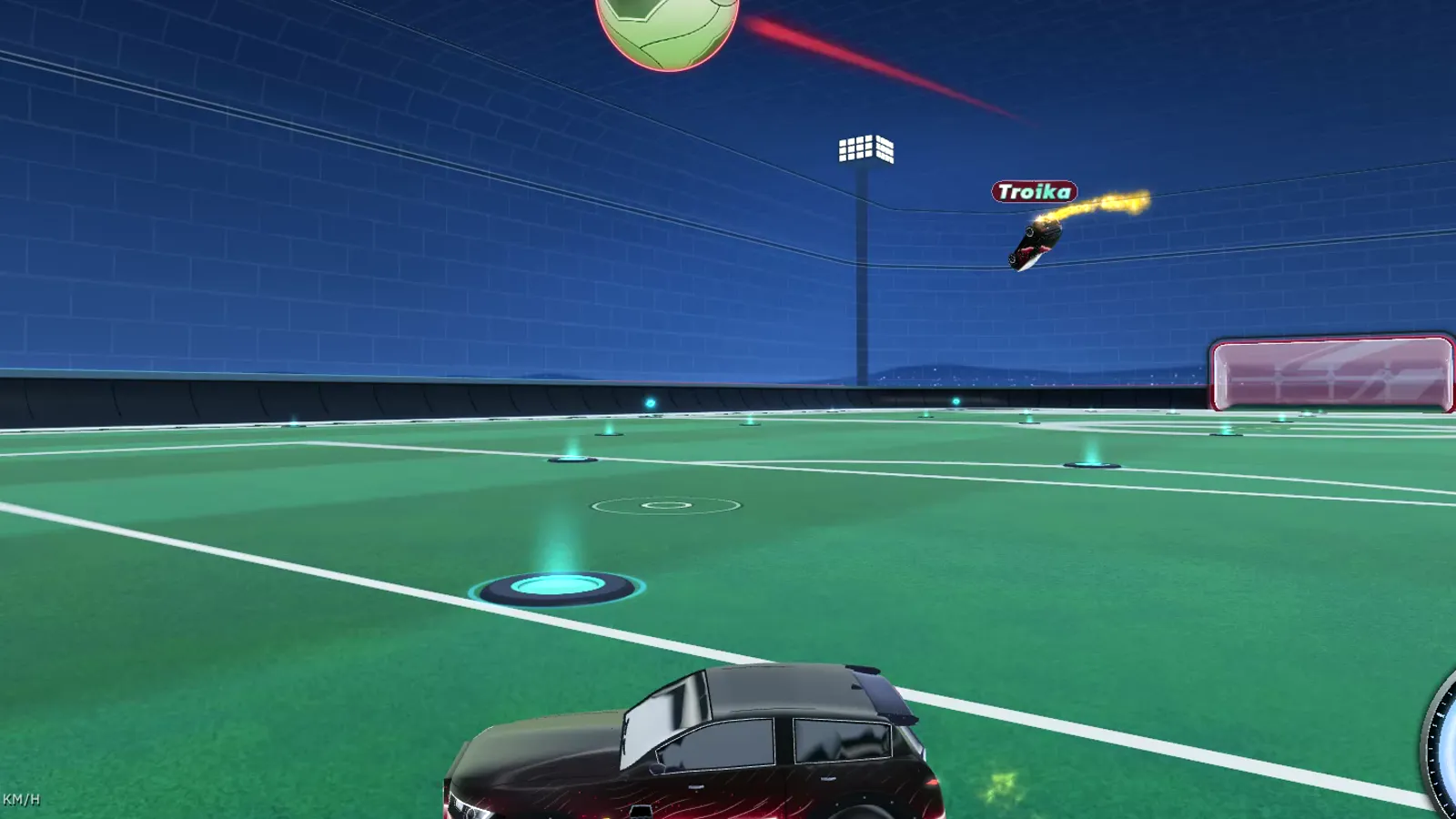
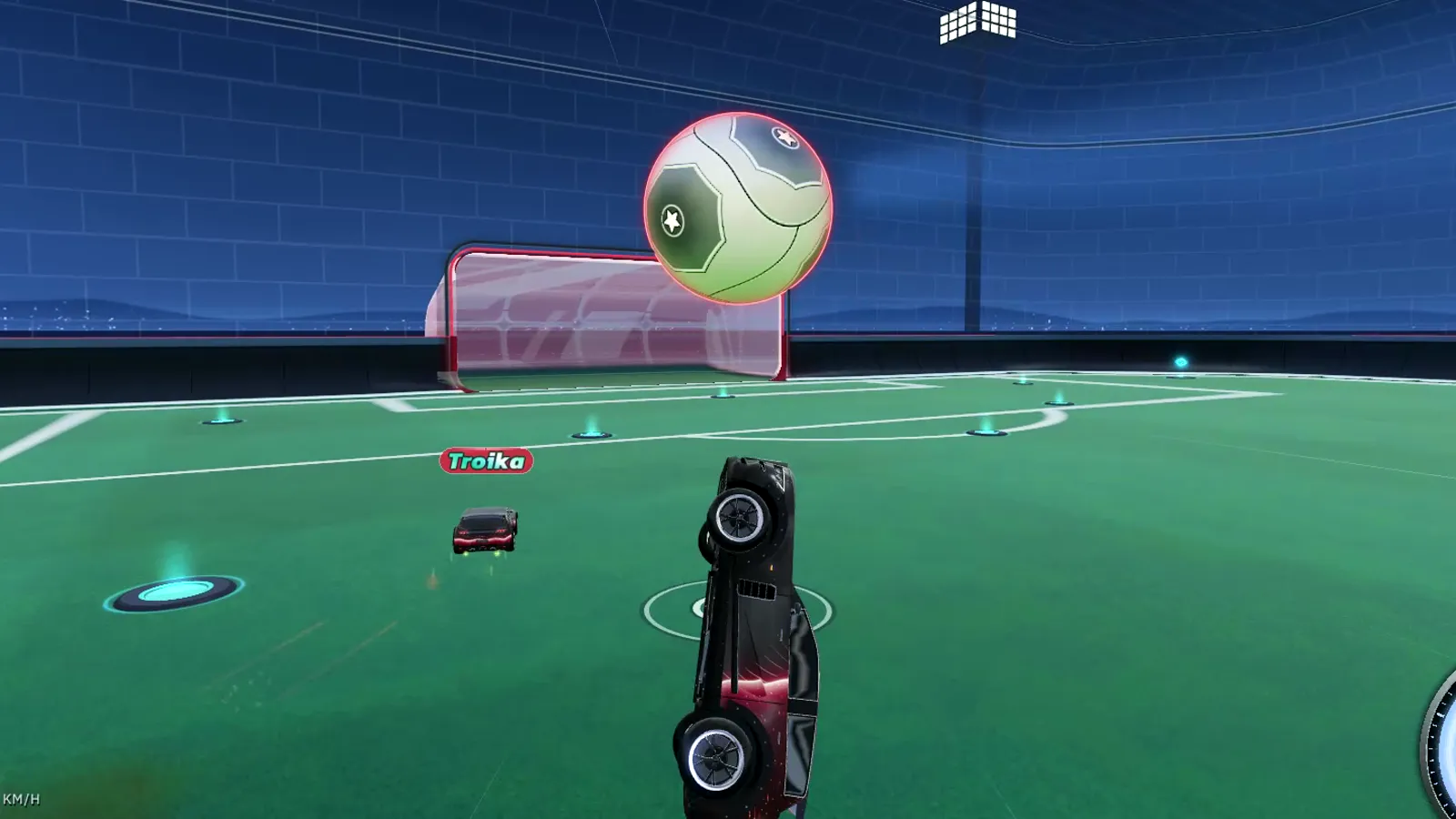
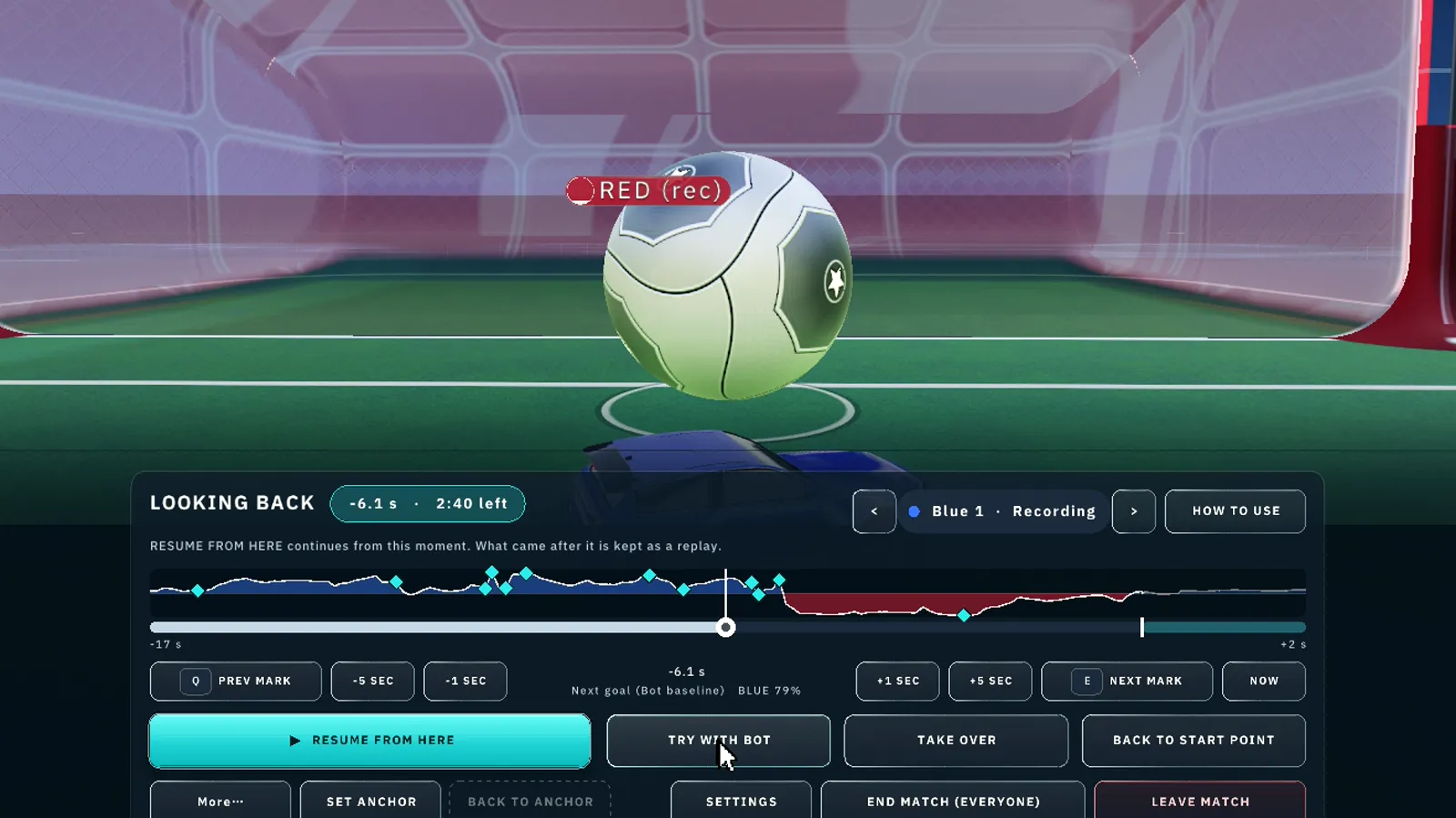
DOWNLOAD
For Windows 10 and 11 (64-bit). Open SIGVA Setup.exe and choose Install: SIGVA installs for your Windows user only, with no administrator rights needed, and downloads the game. It updates itself every time it starts.
SIGVA Setup.exe
Only download SIGVA from sigva.games or the official SIGVA Discord. If Windows warns you the first time, choose More info, then Run anyway.
GOOD TO KNOW
Quick Match waits for enough people. After waiting alone for two minutes, it suggests Bot matches. Bots are not automatically added to Quick Match.
All server-run matches are stored for 90 days for anti-cheat and bug investigations. These are lightweight match replay records, not recordings of your desktop or Discord voice chat. Ban evidence and banned-account records are retained. A copy without the account ID, name and IP address is kept for AI training and research with no time limit. See the Privacy Policy for details.
A paid plan can be cancelled at any time and stops from the next renewal. The refund conditions and how to ask are on Refunds and cancellation.
On Discord, use /report-bug for bugs, /report-player for player reports or /report-security for vulnerabilities and verification issues. Include the time, game version, Match ID and what happened. Never send passwords or secret codes.
YOUR ACCOUNT
SIGVA is played signed in with Discord. Before signing in nothing can be played, Practice and replays included (Settings can be opened), and the same holds without an internet connection.
You choose your SIGVA name. Your Discord name and ID are never shown to other players. Your Discord picture appears on your name plate only if you choose to show it (it is off at first).
STATUS
Automatic status updates are being prepared. See Discord announcements for incident information.